
Craft
How to Beat Match and Build a DJ Library That Gets You Booked
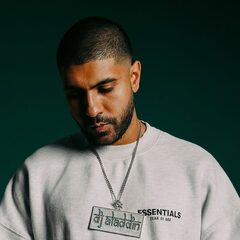

If you can't beat match, you're not getting booked at the clubs. If your library lives on a Wi-Fi connection or a pile of YouTube rips, you're one bad night away from losing a room. Those two things, how you mix and what you mix with, are the floor of this job, not the ceiling.
I learned both the hard way. Here's what changed when I went from a college DJ with a good playlist to a full-time DJ in Atlanta, and exactly how to beat match if you're starting out.
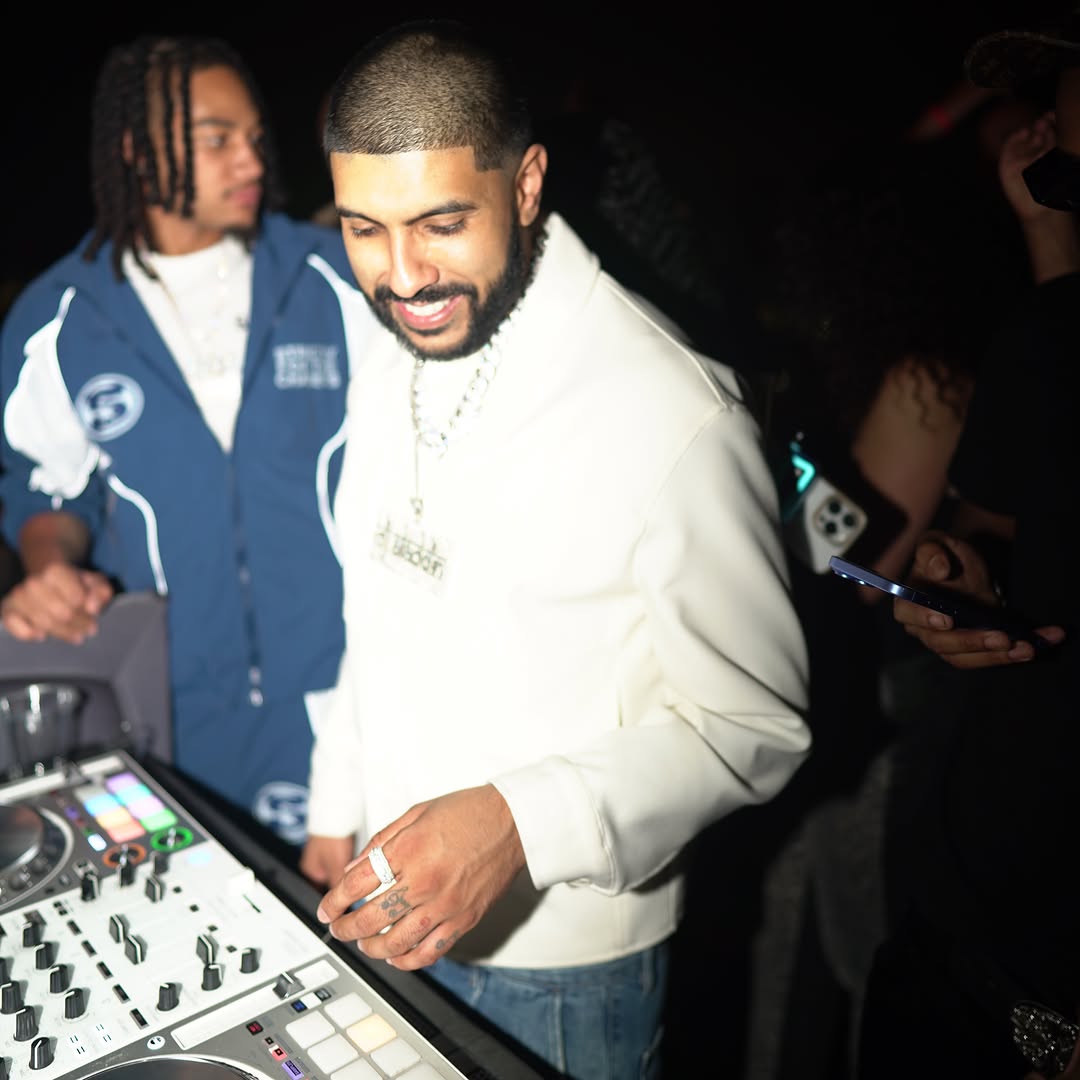
The Good Playlist Trap
When I first started DJing in college at Georgia Southern, I had a good playlist and a little finesse method: a small auto loop, filter it out, bring the next record in. It sounded okay. I wasn't beat matching, and I wasn't slamming records properly.
At a college party, that's enough, because people are there for the songs. But a good playlist is not DJing. The second you step into real rooms, the gap shows.
What Atlanta Clubs Expect
When I went full-time in Atlanta and had a few mentors, I had to get to the point where I could actually mix. In the Buckhead rooms I play every weekend, that means three things:
- Beat matching. Two records locked at the same tempo so the transition doesn't wobble.
- Mixing in key. Knowing what key a song is in so the blend sounds musical, not like a collision.
- A clean flow. Transitions that carry the energy forward instead of resetting it every three minutes.
If you don't have all three, you're not getting booked. That's the standard, and it's non-negotiable.
DJing is a craft, and DJs are musicians. Anybody who tells you it's "just pressing play" has never done it. I prepare all day for one gig, downloading music, organizing crates and warming up, so the set actually flows.
How to Beat Match, Step by Step
This is the by-ear method. Learn it with the BPM display covered, and the screen becomes a check instead of a crutch.
1. Pick two tracks with close tempos
Start with two records within a few BPM of each other, both with a clear, steady kick drum. Hip-hop around 90 to 100 BPM or house around 120 to 126 BPM is easier to learn on than anything with live drums or tempo changes.
2. Find the first downbeat of the incoming track
Load the new track on the second deck and set a cue point on beat one of a bar, ideally the first beat of the intro. That's where you'll launch it from.
3. Start it on the downbeat, in your headphones
With the first track playing out loud, listen to the second in your headphones (cue or PFL). Count the bars of the playing track, and release the incoming track on beat one.
4. Match the tempo with the pitch fader
Listen to which track is pulling ahead. If the incoming track is running faster, its kicks start landing before the others: bring its pitch fader down. If it's falling behind, bring it up. Make small moves and keep listening. You're done when the two stay together for several bars without drifting.
5. Line them up with the jog wheel
Tempo matching stops the drift; the jog wheel fixes the position. Nudge the outer edge of the platter forward or back, briefly, until the two kicks land at the same instant. If you hear a "flam", a double hit like a horse galloping, they're still slightly apart.
6. Bring it in on the phrase
Most dance and hip-hop records are built in phrases of 8, 16 or 32 bars. Start the incoming record so its intro begins where a phrase of the playing track begins. Then the drops, hooks and breakdowns line up instead of colliding.
7. Blend with the EQ, not just the fader
Two full basslines on top of each other sound muddy. Bring the new track in with its bass cut, then swap the low end over on a phrase change: bass out of the old track, bass into the new one, in one move.
8. Keep listening after the blend
Records drift, especially older ones and anything with live drums. Keep the incoming track in your ear and correct with small pitch or jog adjustments until you've fully moved over.
Mixing in Key
Beat matching keeps the drums together. Key keeps the music together. Two records in clashing keys sound wrong even when the beats are locked. Most DJ software shows each track's key, often on the Camelot wheel, where the safest blends are the same number, one number either side, or the same number with the letter switched (8A to 8B). Start with those, and train your ear to hear when a blend is fighting.
What About the Sync Button?
Sync is a tool, not a cheat. But it's only as good as the software's beatgrid, and that grid is often wrong on live recordings, older records, remixes with tempo changes and anything with a loose drummer. If you can't hear that two tracks are drifting, you can't fix it when sync gets it wrong in front of a crowd. Learn by ear first.
How I Practice
A few habits that help anyone learning:
- Hide the BPM display. Your ears are what you'll rely on when something goes wrong live.
- Practice the same two tracks until it's easy, then change one variable at a time: a different tempo, a different genre, a record with live drums.
- Record your practice mixes and listen back. You'll hear drift you missed while you were busy mixing.
- Mix across genres on purpose. In an open-format set you'll go from hip-hop into Afrobeats into house. Practice the tempo jumps before you need them.
Own Your Music Library
I'm old-fashioned about one thing. I download and own my music. I don't run my sets off a streaming subscription.
A lot of DJs lean on streaming now and walk in asking "you got Wi-Fi?" I get the appeal. But if the connection's not right, or the song has to load and then analyze late, you don't even see the BPM, and it gets stressful fast. That's a risk I'm not taking in front of a crowd.
The one real upside of a licensed streaming service is at certain licensed venues where you have to be covered to play. For everyday sets, I want the file on my drive.
Where I Get My Music
If you're going to source music the right way, use the record pools.
| Source | What I use it for |
|---|---|
| BPM Supreme | My pick for hip-hop and new records |
| DJ City | A core record pool in my rotation |
| Headliner Music Club | A core record pool in my rotation |
| Official artist audio | The rare track I can't get anywhere else |
Sound Quality Matters More Than People Think
Avoid building your library off YouTube rips. The quality isn't good, and at a big event on a pro system, people will tell you a track didn't sound right.
If I do need something from YouTube, I look for the official audio from the artist, not the music video. Official audio sounds almost as good as the record. Music videos sometimes have skits or talking buried in them. And when you're EQing and adjusting volume on a bad file, it sounds off the second you're on a real system.
Mistakes I See New DJs Make
- Leaning on sync before learning by ear, then freezing when the grid is wrong.
- Mixing mid-phrase, so the hook of one song crashes into the verse of the next.
- Stacking two basslines instead of swapping the low end.
- Playing low-quality files that fall apart on a club system.
- Practicing only in their bedroom. A club monitor, a loud room and a crowd change everything.
Still Learning Every Day
I'll be honest: this is a craft you never finish. I finally got my right-hand scratching down. My left hand is still terrible, so that's a work in progress. Every year is a learning experience, and I want to become a better DJ, period. The day you think you've mastered it is the day you stop growing.
The Short Version
- Beat match by ear, then use sync as a tool.
- Mix on the phrase and in key. That's what makes a blend sound intentional.
- Own your music. Don't leave your set at the mercy of a Wi-Fi signal.
- Use real record pools. BPM Supreme, DJ City and Headliner Music Club are mine.
- Protect your sound. Official audio over video rips, every time.
- Keep practicing. Nobody's finished.
Once the fundamentals are solid, the next step is range. Read what open format means and how to pick songs for an open-format set. The business side matters too: see how I cut my DJ nights in half and built a brand, and my story from Georgia Southern to Roscoe Dash.
Want to hear it live? See where I'm playing next. Want a DJ whose mixing and sound are dialed in for your event? Book DJ Aladdinn.
Frequently Asked Questions
What is beat matching?
Beat matching is adjusting the tempo and position of the next track so its beats land exactly on the beats of the track that is playing. When it is right, the kick drums of both records sound like one, and you can blend between them without the mix wobbling or galloping.
How do you beat match by ear?
Cue the incoming track on its first downbeat, start it on a downbeat of the playing track in your headphones, then move the pitch fader until the two stop drifting apart. Use small jog-wheel nudges to line them up, listen for a single clean kick instead of a flam, and bring the track in at the start of a phrase.
Do DJs need to beat match if they have a sync button?
Yes. Sync is useful, but it relies on the software's beatgrid, which is often wrong on live recordings, older records and tracks with tempo changes. Clubs expect you to hear when two records are drifting and fix it. If you can beat match by ear, sync becomes a tool instead of a crutch.
How long does it take to learn to beat match?
Most DJs get the basic skill in a few weeks of regular practice and keep refining it for years. The fastest way to improve is short daily sessions with the BPM display hidden, so you train your ears instead of your eyes.
Should DJs download their music or stream it?
DJ Aladdinn recommends owning and downloading your music. Streaming depends on Wi-Fi, and tracks can lag while the software analyzes them mid-set. The main exception is licensed venues that require a covered streaming service.
What record pools does DJ Aladdinn use?
BPM Supreme, which he recommends for hip-hop and new records, plus DJ City and Headliner Music Club. When he needs something from YouTube, he looks for the artist's official audio rather than the music video.